Windows
Windows 10 and 11
If Windows says it protected your PC, choose More info, then Run anyway. The app isn't code-signed yet.
 VScrybe
Drop in WhatsApp, Telegram or phone recordings and get clean, searchable text in about the time it takes to play them. Nothing is ever uploaded.
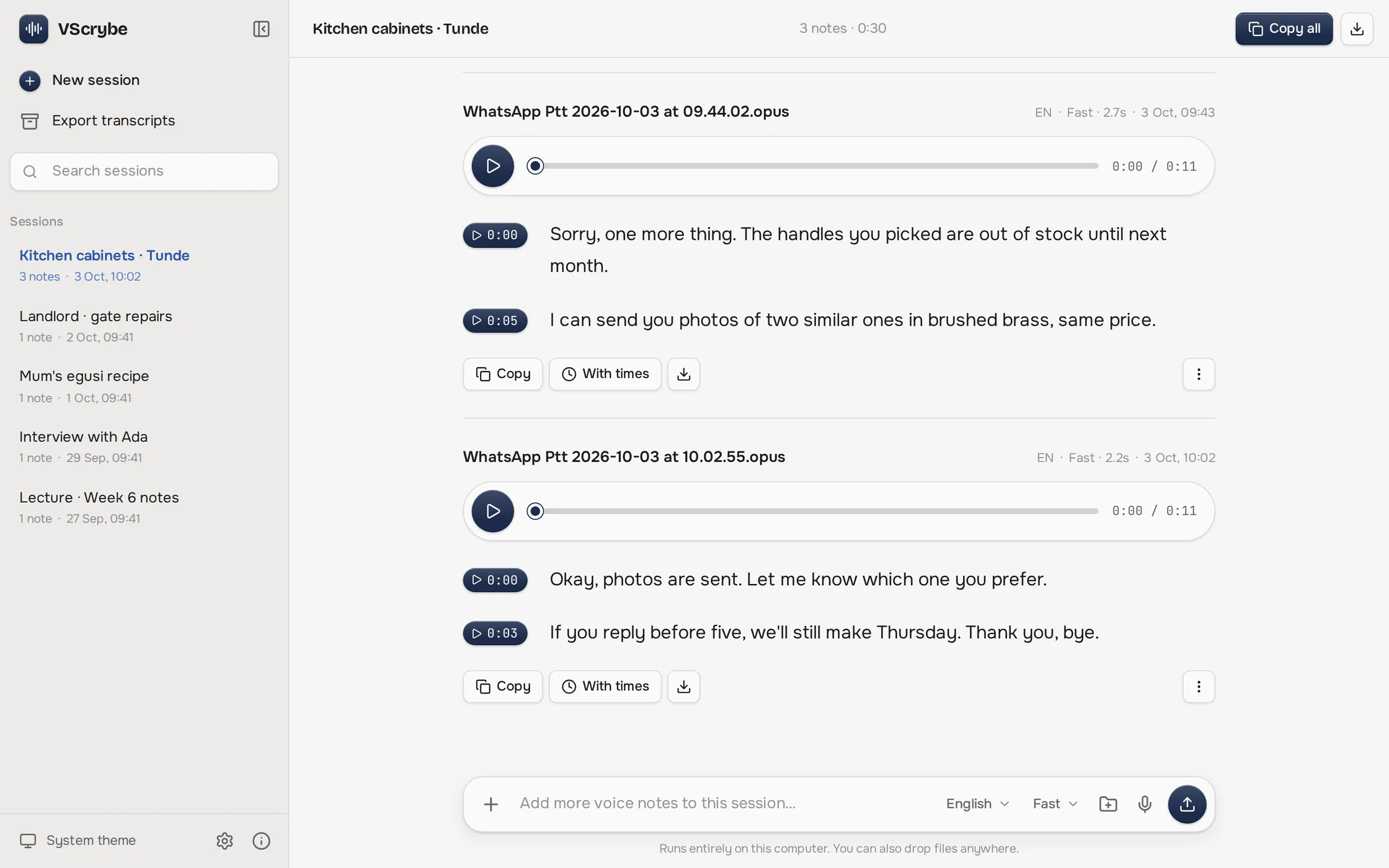
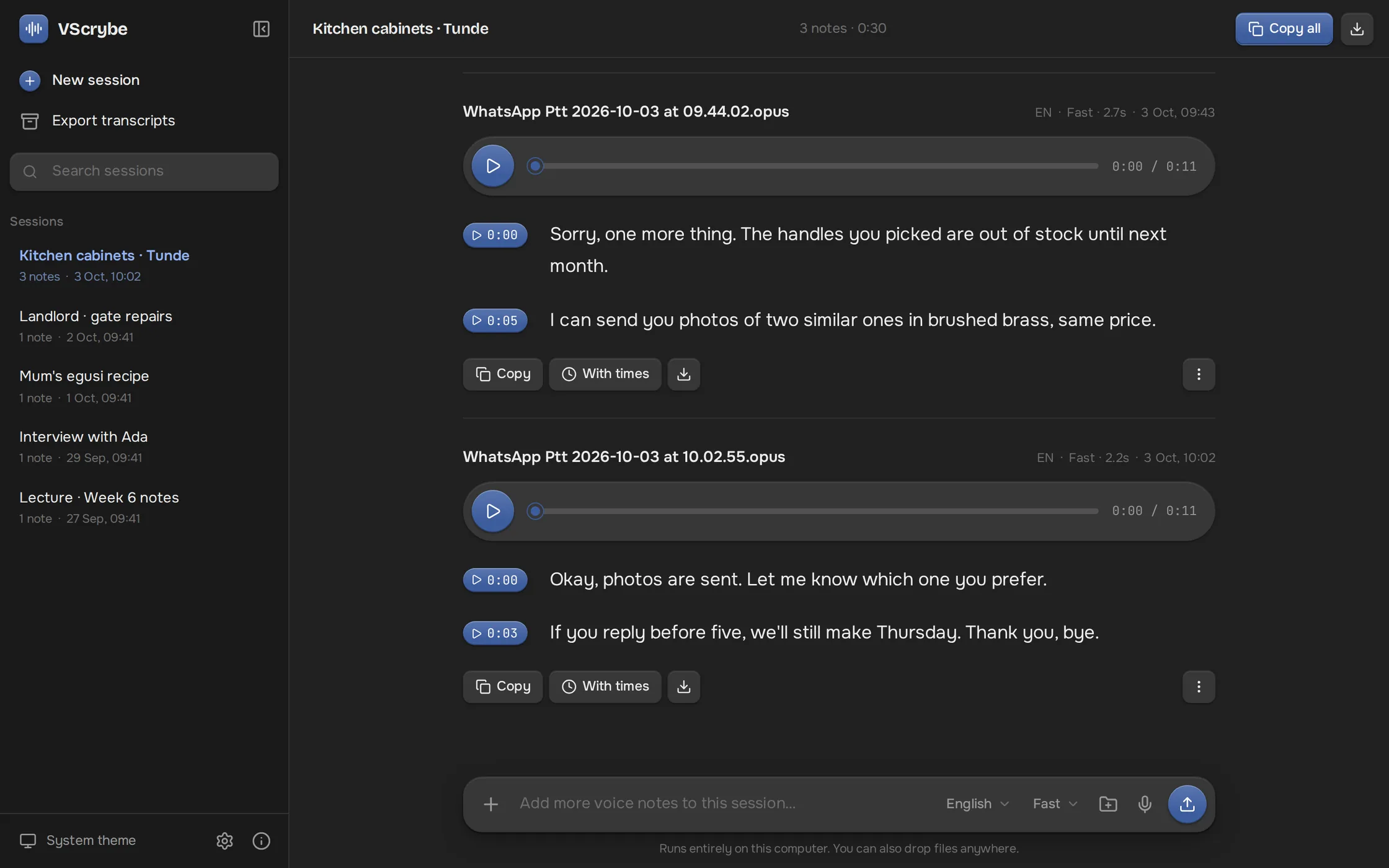
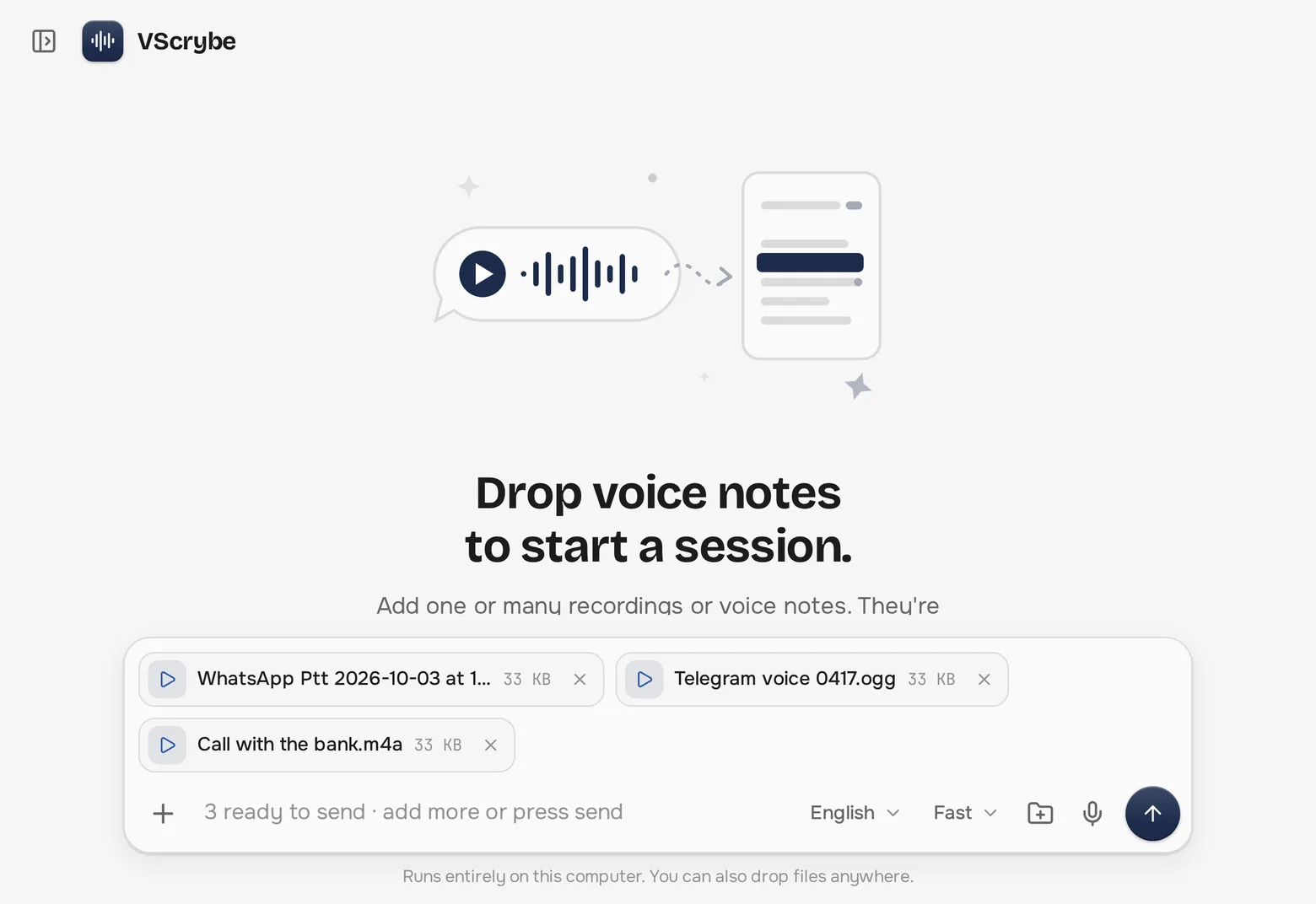
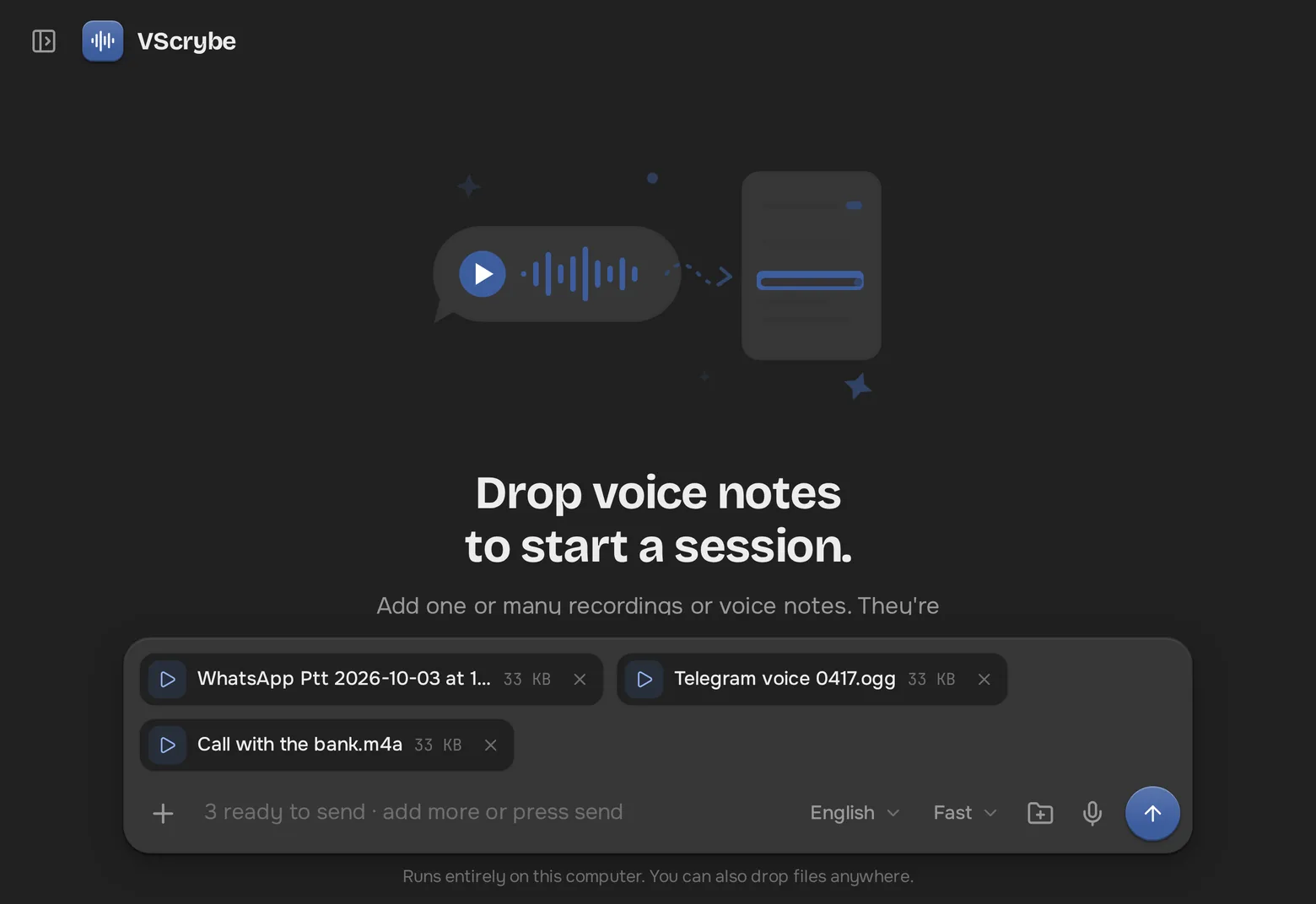
Pick files, drag them onto the window, or convert a whole folder at once. Every batch becomes a session you can rename, search and add to later.
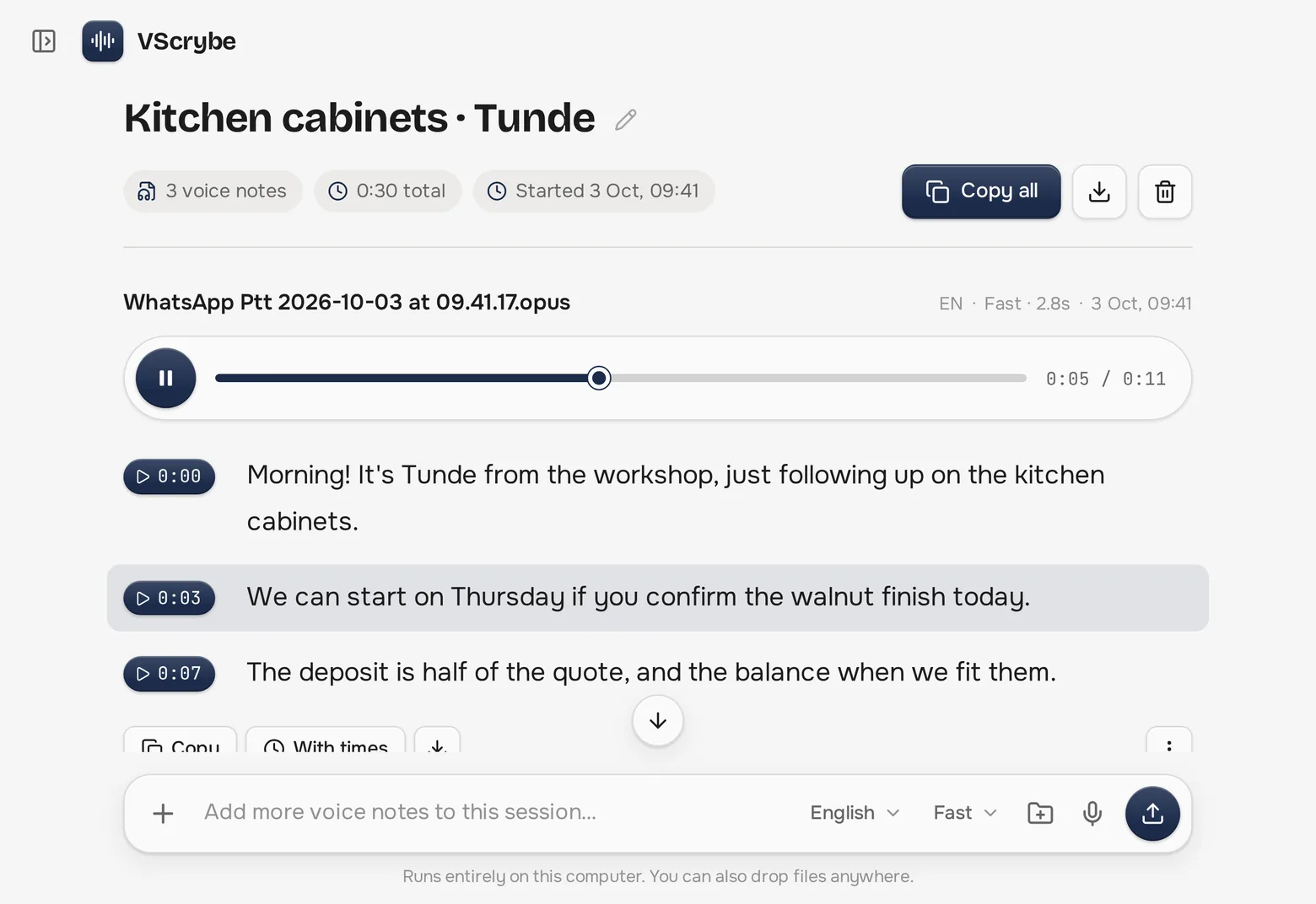
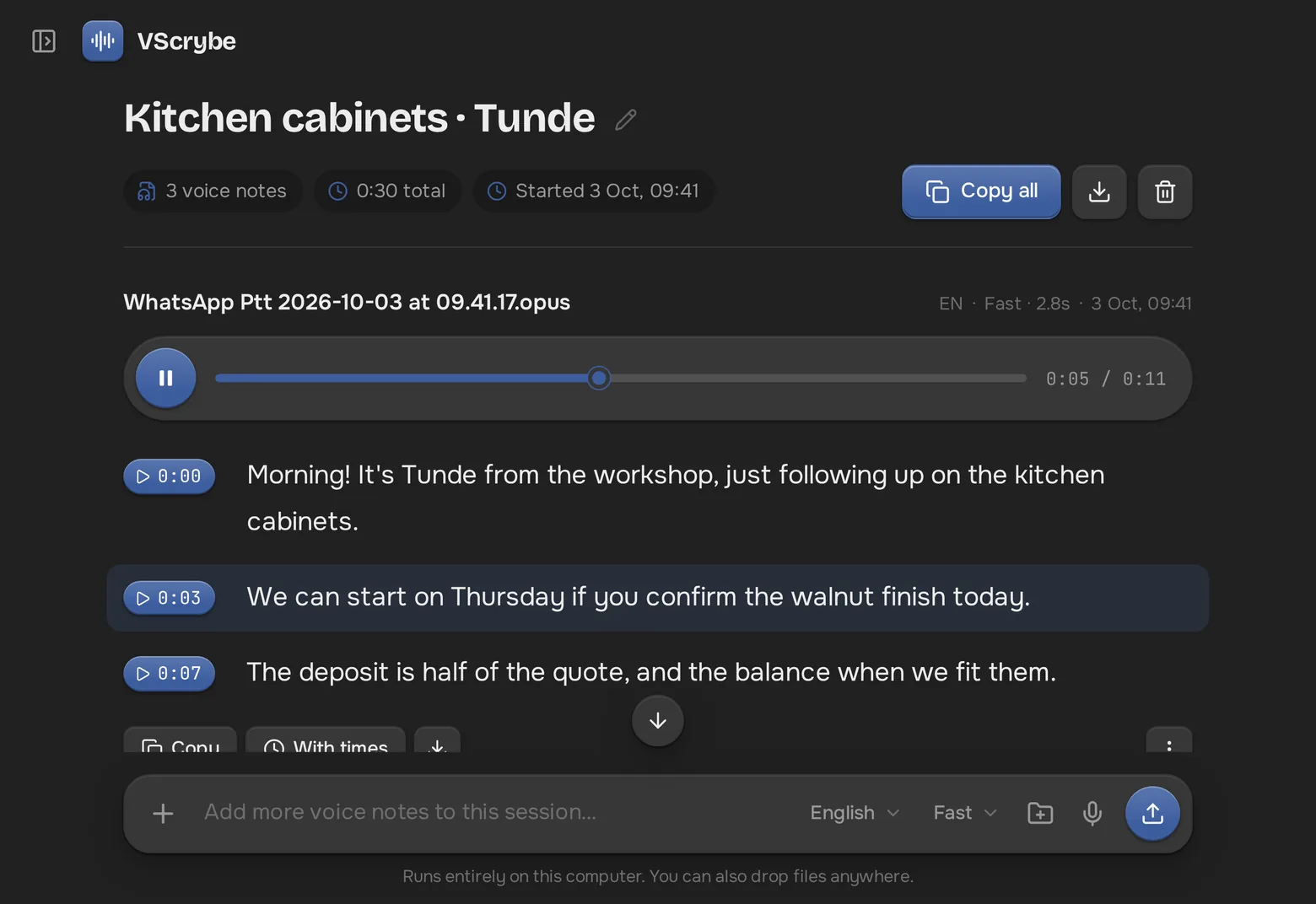
Every line gets a timestamp. Click one to jump to that exact moment, then copy the text with or without times, or save it as a file.
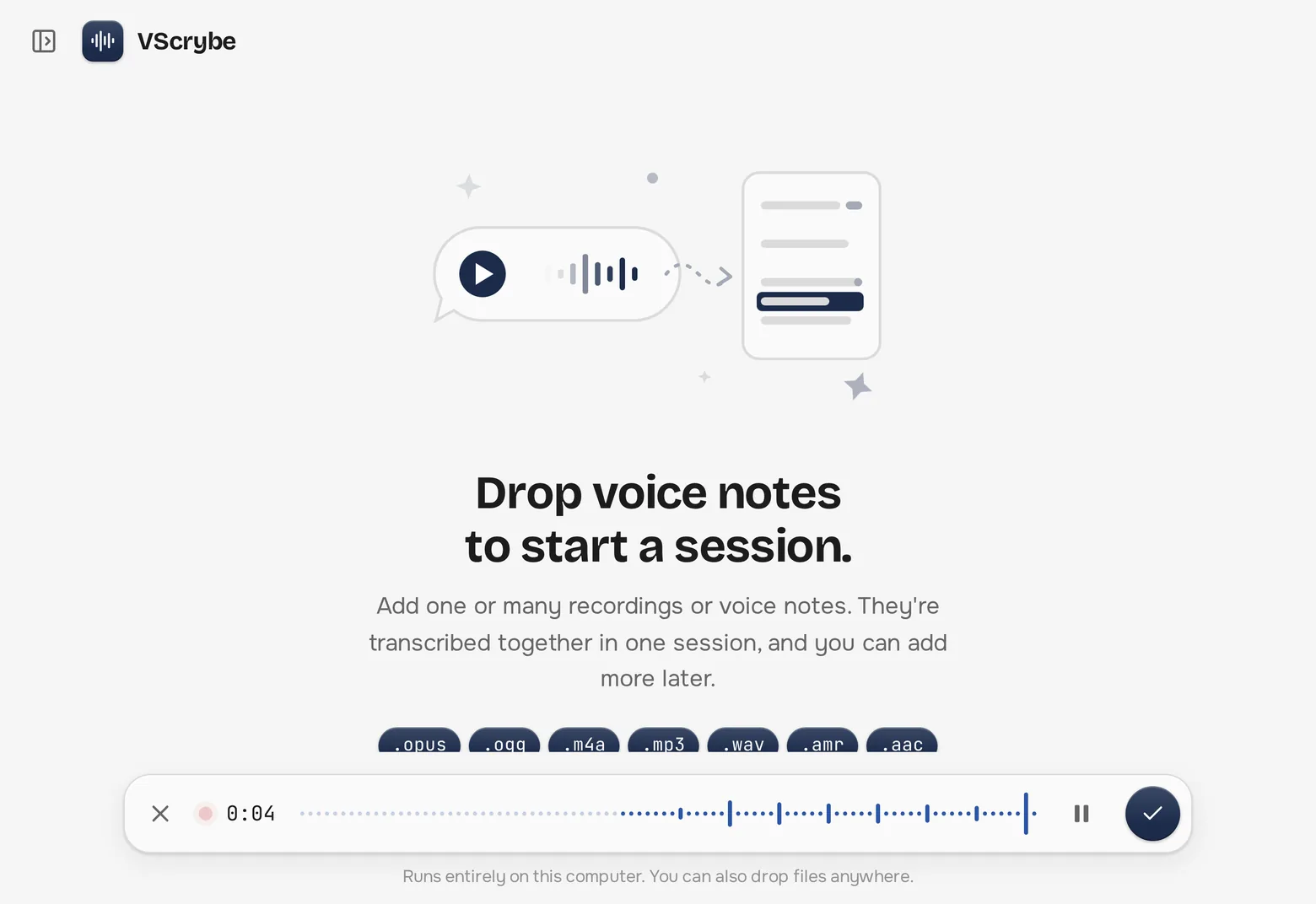
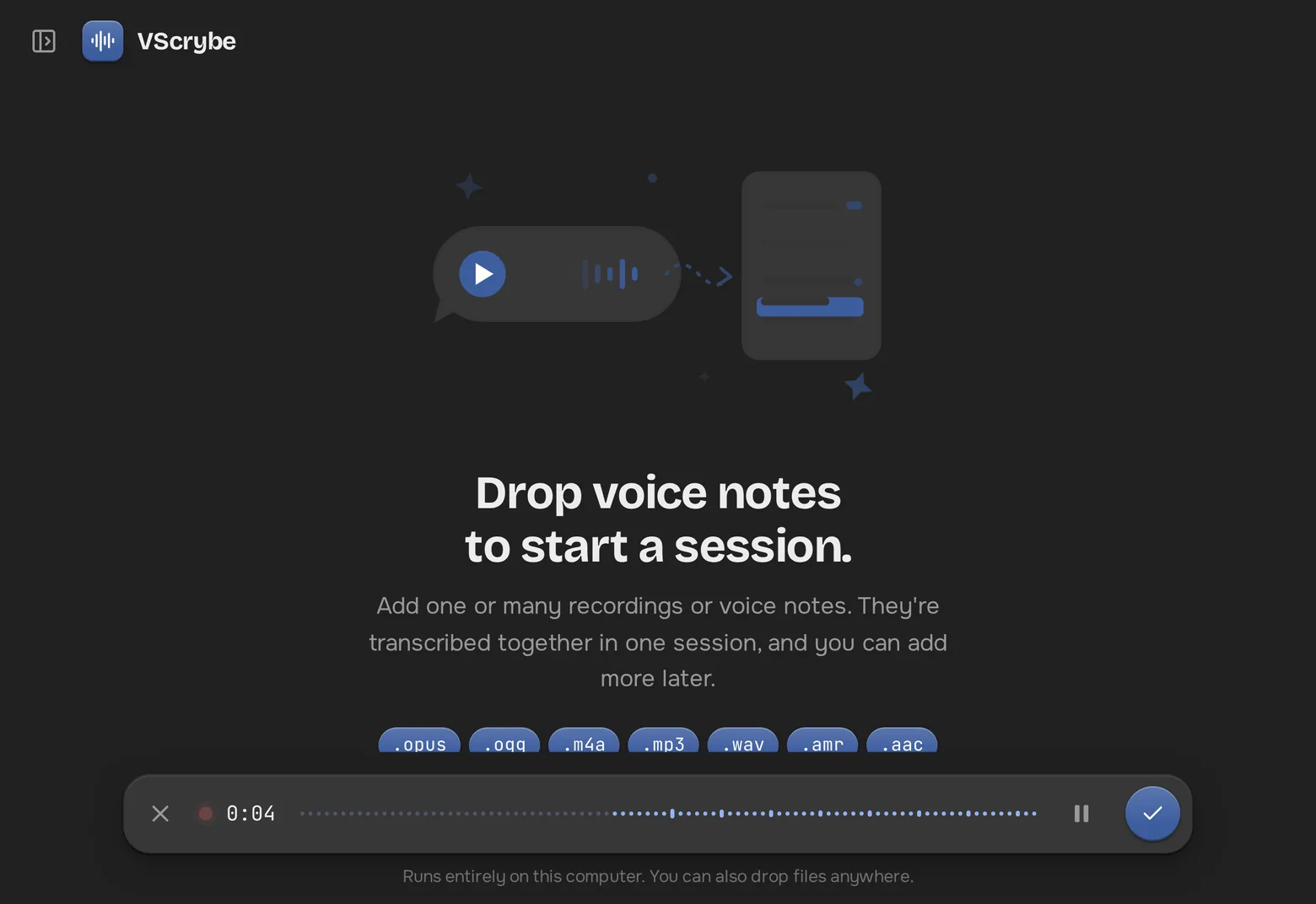
Press the mic to record a new note. Pause, resume and preview it, then send it to be transcribed like any other file.
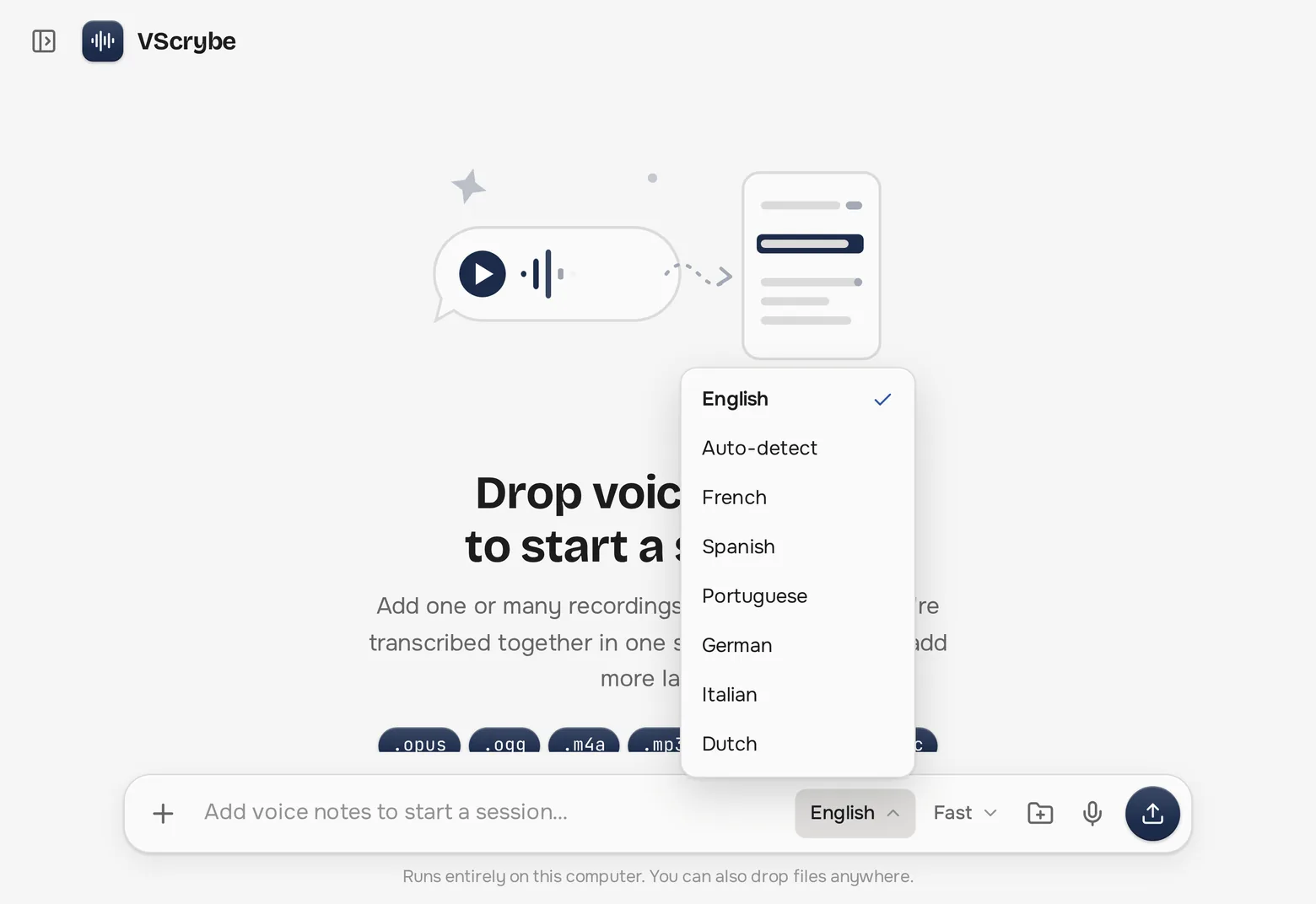
English by default, or pick one of 15 others, or let VScrybe detect it. Accented English is handled well, even with the Fast model.
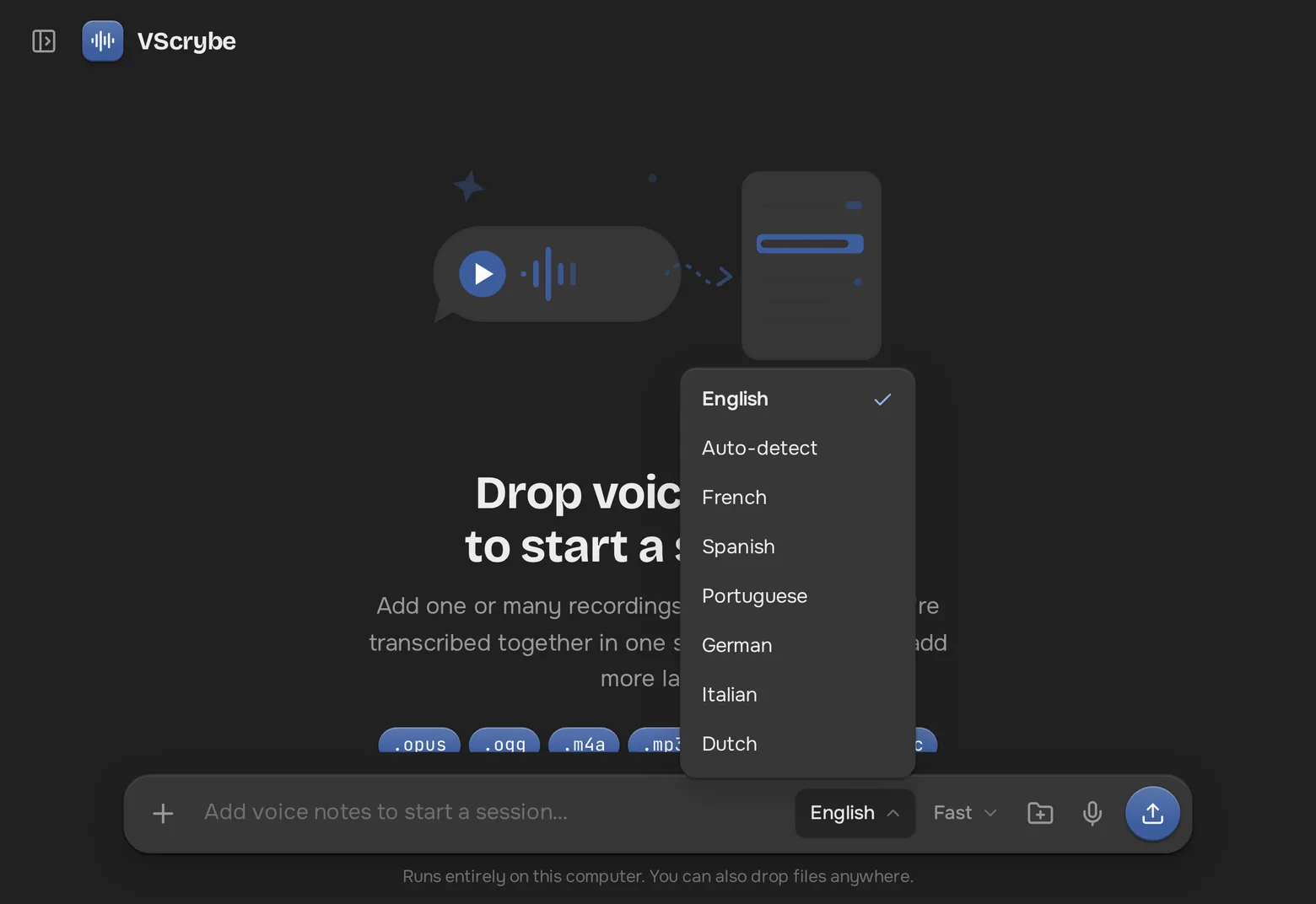
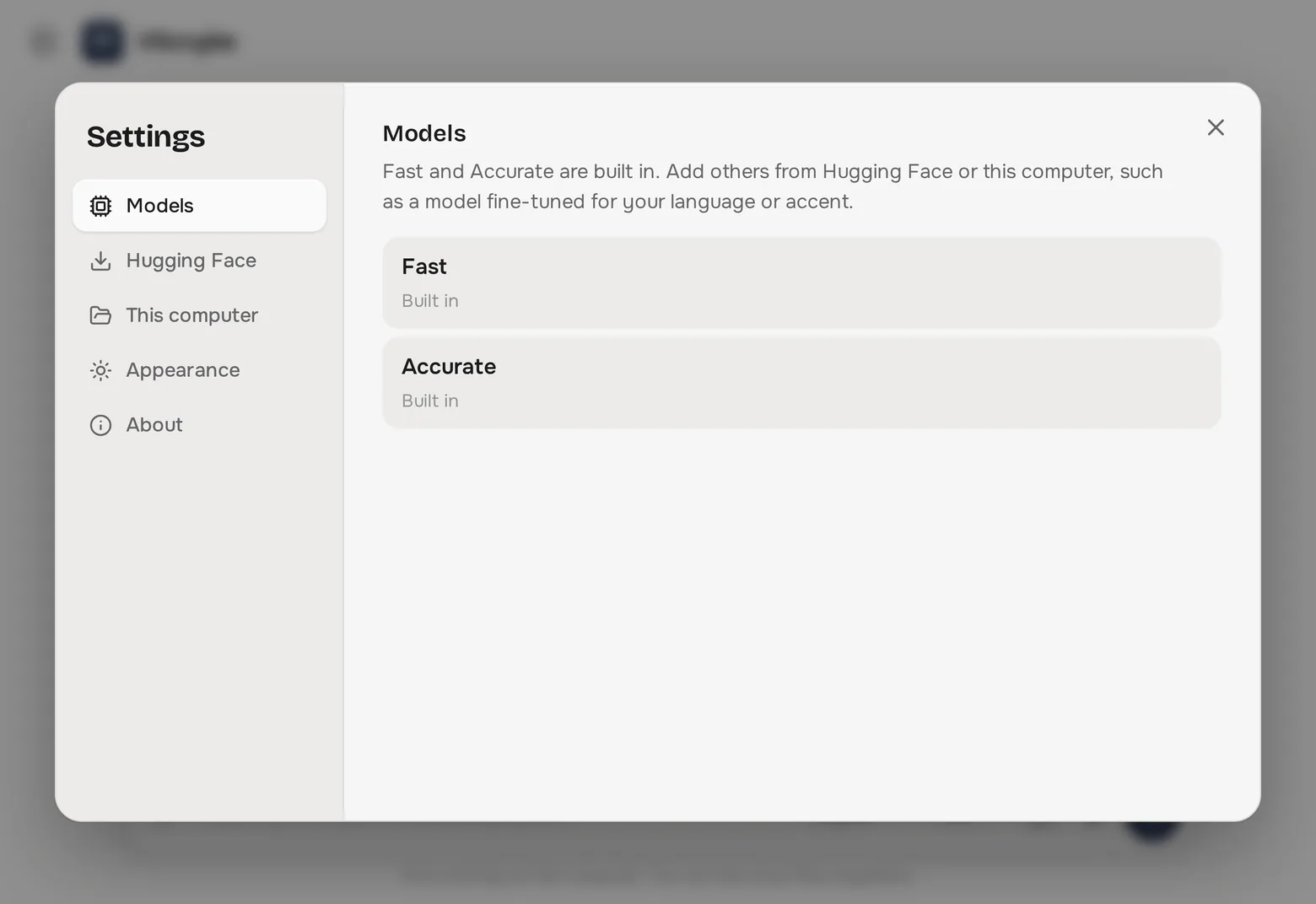
Fast suits most voice notes. Accurate is better with heavy accents and background noise. You can also add your own models from Hugging Face.
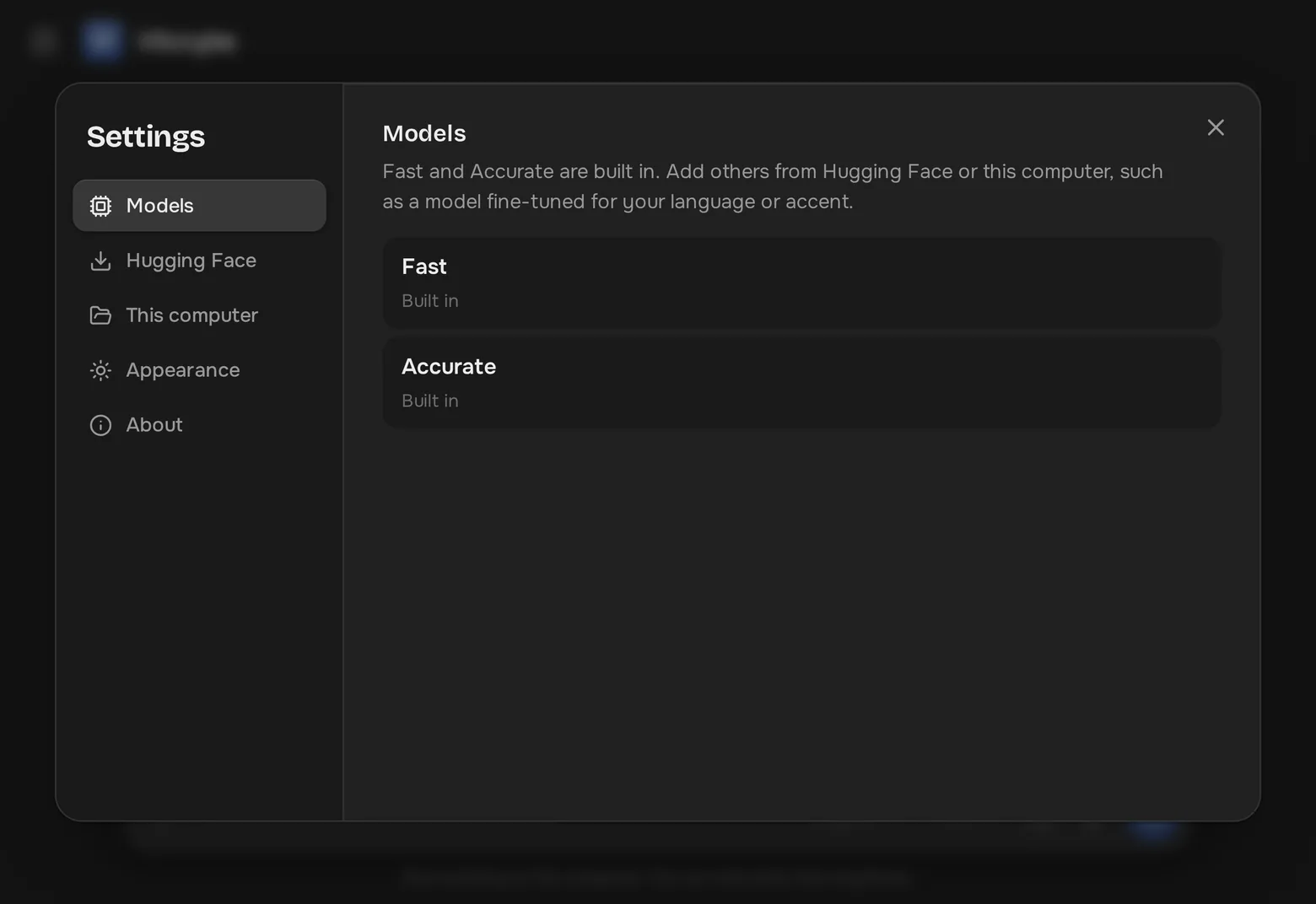
Other apps send your recordings to a server. VScrybe runs OpenAI's open Whisper models on your own machine, so your conversations stay yours.
A small download. The first time you transcribe, VScrybe fetches its speech model once.
Windows 10 and 11
If Windows says it protected your PC, choose More info, then Run anyway. The app isn't code-signed yet.
macOS 11 or later
Not sure which? Apple menu → About This Mac → Chip. First launch: System Settings → Privacy & Security → Open Anyway.
64-bit · .deb or AppImage
The .deb suits Ubuntu, Debian, Mint and Pop!_OS. The AppImage runs on any distro: make it executable and open it.
Something else? Use About → Report an issue in the app, or open an issue on GitHub.
Yes. VScrybe is free and open source under the MIT licence. No trial, no account, no ads.
Never. Transcription runs entirely on your computer, and your recordings and transcripts are stored there too.
That's the speech model that does the transcribing. It's downloaded once and then works offline. The optional Accurate model is about 1.6 GB.
English by default, plus French, Spanish, Portuguese, German, Italian, Dutch, Arabic, Swahili, Yoruba, Hausa, Hindi, Russian, Turkish, Chinese and Japanese, or Auto-detect.
Voice notes and recordings in .opus, .ogg, .m4a, .mp3, .wav, .amr, .aac and .webm, including WhatsApp and Telegram voice notes.